Getting Started with Alpaca for iPhone & iPad
Last updated: 2026-10-31
Alpaca for iPhone and iPad
Alpaca helps keep your family safer online on iPhone and iPad. It is designed to filter harmful websites, adult content, scams, ads and trackers in every app and browser on the device — not just in Safari. You choose how strict it should be, and Alpaca works quietly in the background, so you don't have to think about it.
Video Preview
See Alpaca for iPhone and iPad in action — a quick look at how protection works.
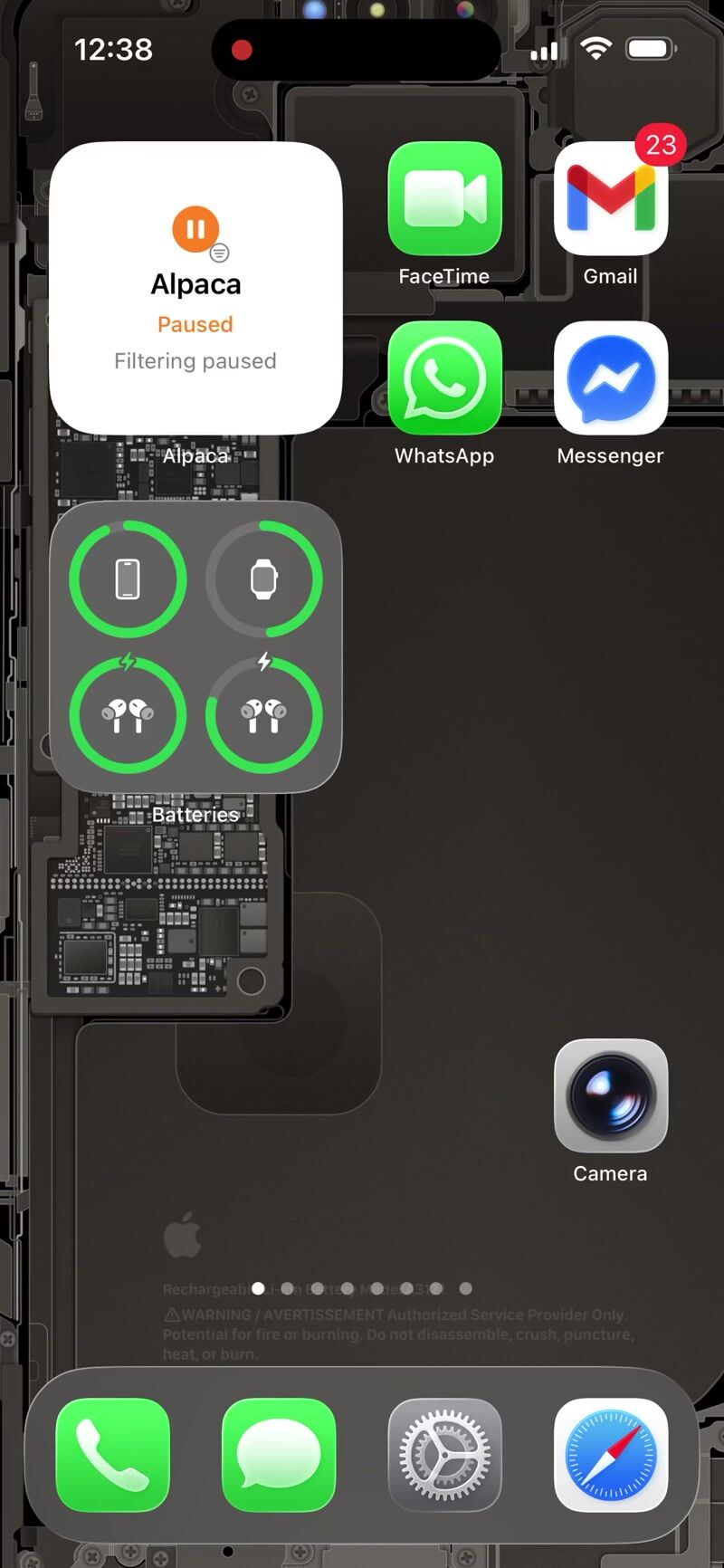
What Alpaca does for your family
- Helps protect every app — filtering works across apps and browsers on the device
- Simple or detailed — start with a few clear switches, or open every category when you want more control
- Ready-made presets — pick Standard, Family or another preset in one tap
- Parental Controls — a PIN helps keep children from changing the settings
- Private by design — filtering happens on the device itself, and the websites your family visits are not sent to Alpaca
Screenshots


What you need
- An iPhone or iPad running iOS 17 or iPadOS 17 or later
- An Alpaca account — you can create one in the app with your email address
- A subscription, or the 7-day free trial that starts when you subscribe in the app
To filter on the device, Alpaca asks iOS to add a VPN configuration during setup. It is a local configuration that stays on your iPhone or iPad — your internet traffic is not sent to a remote server. Setting up Alpaca explains this step.
Get Alpaca
Download Alpaca from the App Store, then follow the setup guide.

Next steps
- Set up Alpaca — the first-time setup, screen by screen
- Using Alpaca — presets, categories, Parental Controls and more
- Subscription — the free trial, plans and Family Sharing
- Troubleshooting — help when something doesn't work as expected
Have a question or feedback about Alpaca on your iPhone or iPad? We'd love to hear from you — reach out via the contact page.