Getting Started with Alpaca for iOS
Last updated: 2026-03-20
Alpaca for iPhone and iPad
Alpaca for iOS delivers the same user experience and level of protection you know from the Mac app — tailored to work on iOS and iPadOS and designed to meet the needs of mobile devices. Help keep your family safer from adult content, online threats, and other risks, with category-based controls you can tune to your family's needs.
Alpaca for iPhone and iPad is on the App Store
Download on the App Store
Free download, with a 7-day trial
Video Preview
See Alpaca for iOS in action — a quick look at how protection works on iPhone and iPad.
Key Features
- Protection across every app — Helps keep your family safer in all apps and browsers, not just Safari
- Lightweight by design — Runs quietly in the background with minimal battery impact
- Tunable to your family — Choose which content categories to allow or restrict, from adult content to online threats
- Privacy first — Your protection settings travel with you, keeping your devices safer wherever you go
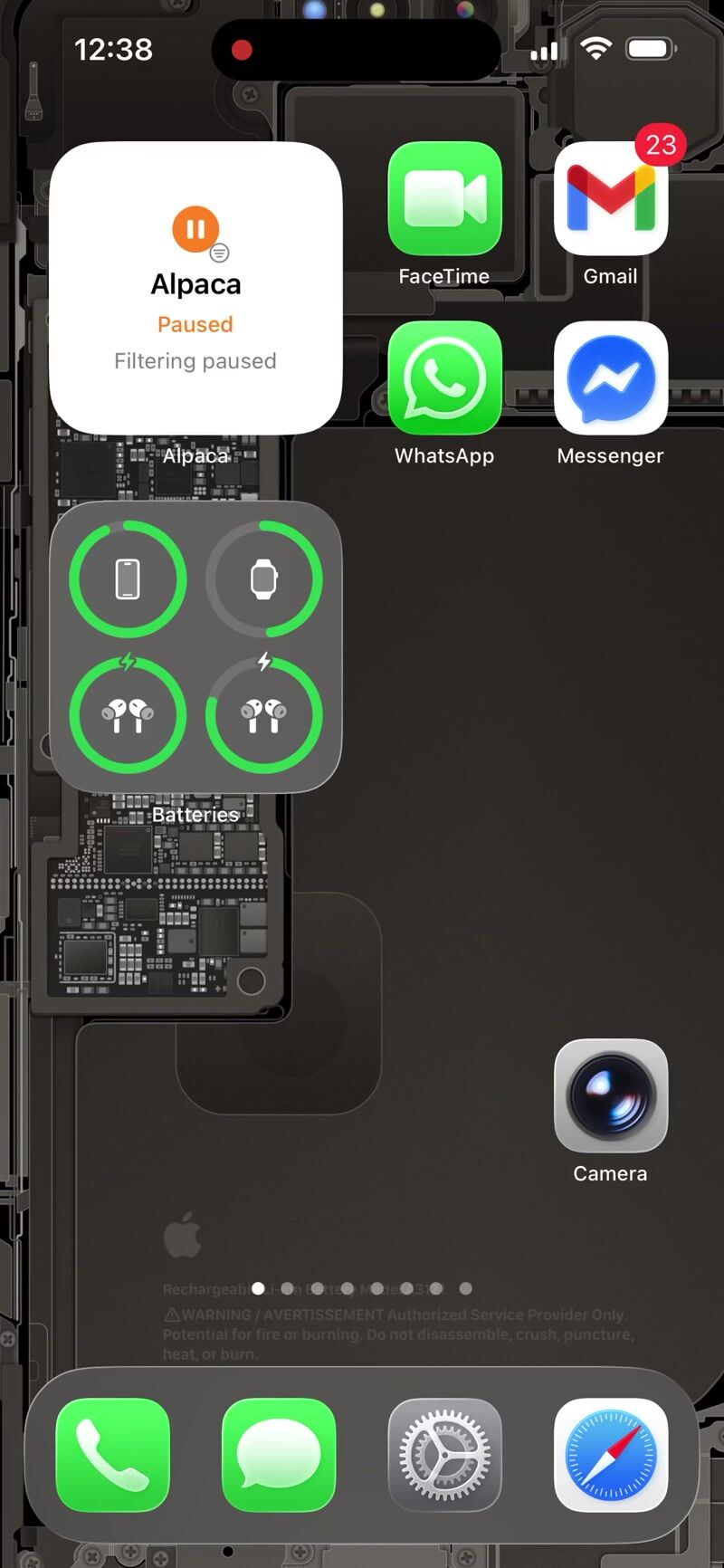
Screenshots


How It Works
- Install the app from the App Store
- Enable protection when prompted — this allows Alpaca to help keep your device safer
- Choose your categories — select which types of content to allow or restrict
- Browse as normal — Alpaca works quietly in the background
Alpaca for iOS helps protect all apps on your device — no VPN required.
Requirements
- iPhone or iPad running iOS 17 or later
- An active Alpaca subscription (or trial)
Get started
- Download Alpaca from the App Store
- Enable protection when the app asks
- Choose your categories and let it run quietly
Alpaca for iPhone and iPad is on the App Store
Download on the App Store
Free download, with a 7-day trial
Using Alpaca on your iPhone or iPad? We'd love your feedback — reach out via the contact page.